
School website: Admissions
Admissions at D&D International School — knowledge, character and community.
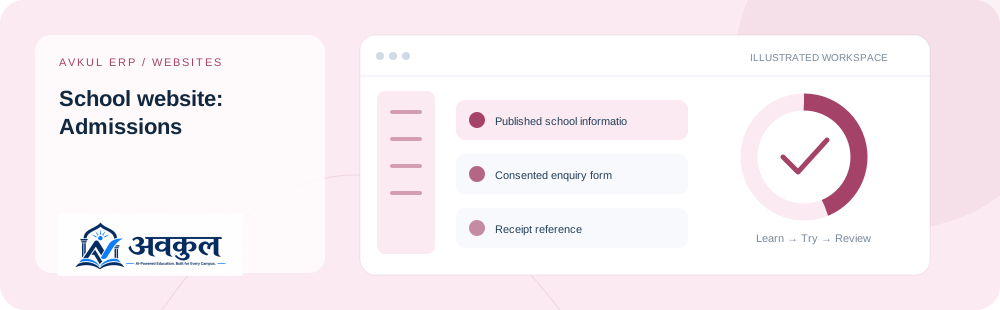
What you can do
Published school information
Consented enquiry form
Receipt reference
ERP admissions connection
Access & setup
Intended access: Public reader.
- No ERP account is required to read the public page.
Use the public sample demo to learn this flow. Your assigned ERP account determines access to actual school records.
How the workflow works
- 01
Open the public school page
No ERP account is required to read the public page.
- 02
Review school information and complete the enquiry fields
Consented enquiry form is part of the documented workflow.
- 03
Give consent and submit the request
Receipt reference is part of the documented workflow.
- 04
Keep the receipt reference; school staff manage the enquiry in ERP
Review the result in the connected record or workspace before moving on.
Fields & controls
The screen exposes the following context or input controls. Required fields are validated by the live application.
- Guardian/contact name
- Contact details
- Enquiry message
- Consent
Rules & current limits
- School content and illustrative campus imagery are subject to the school’s confirmation.
- Submitting an enquiry creates a request; it does not automatically admit a student or send a payment.
Published page metadata checked live on 11 October 2026. Guide availability confirms documentation publication, not certification of every external service or device flow.
Try school website: admissions
Open a guided sample workspace, try the available actions, then reset whenever you like. No login required.
Open the actual application
The public school page opens directly.