
AVKUL ERP marketing website
Explore platform capabilities and request a product walkthrough from the public AVKUL ERP homepage.
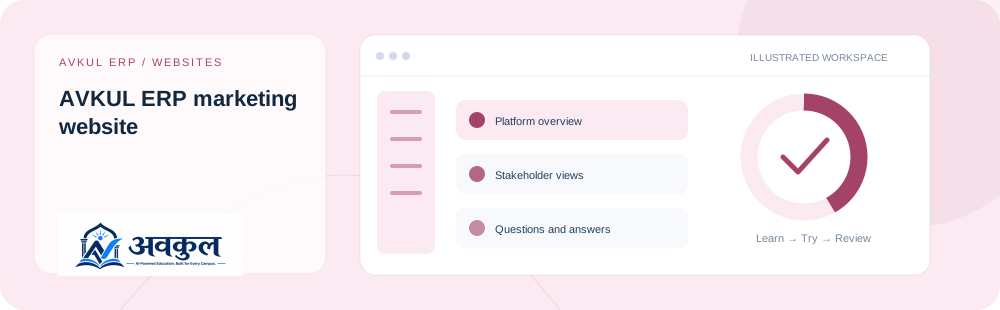
What you can do
Platform overview
Stakeholder views
Questions and answers
Walkthrough enquiry
Roadmap
Privacy choices
Access & setup
Intended access: Platform administrator.
- Use the official link and the applicable access context.
Use the public sample demo to learn this flow. Your assigned ERP account determines access to actual school records.
How the workflow works
- 01
Explore the public platform sections
Use the official link and the applicable access context.
- 02
Open a documentation guide or guided demo
Stakeholder views is part of the documented workflow.
- 03
Use Request a walkthrough for a personalised product conversation
Review the result in the connected record or workspace before moving on.
Fields & controls
The screen exposes the following context or input controls. Required fields are validated by the live application.
- Name
- School
- Phone
- Student range
- Consent
Rules & current limits
- A walkthrough enquiry does not create an ERP login.
- Analytics collection follows browser privacy preferences and configured collection rules.
Implementation checked against the delivered release guide. Guide availability confirms documentation publication, not certification of every external service or device flow.
Try avkul erp marketing website
Open a guided sample workspace, try the available actions, then reset whenever you like. No login required.
Open the actual application
ERP links use your assigned account. Record-specific pages start from the list so you can choose a real record.