
AVKUL ERPDocs
SCREEN GUIDE · 11 OCT 2026

Parent–teacher meetings

Use parent–teacher meetings in the school workspace. Publish meeting slots, book families, record discussion outcomes and manage follow-up tasks.
Try guided demo →Download guide ↓
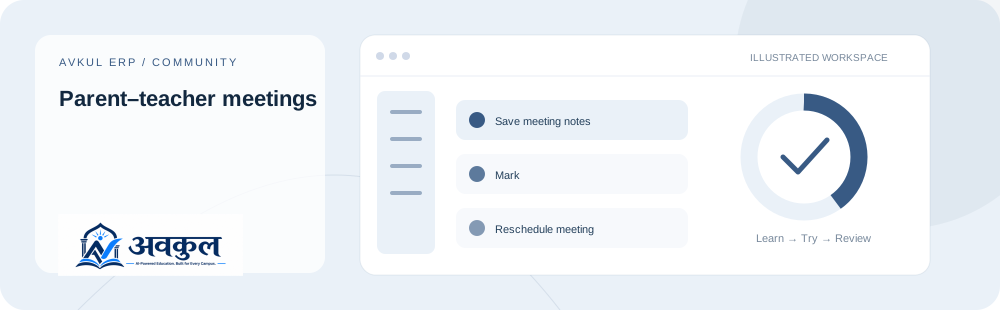
Parent–teacher meetings — illustrated workflow banner

What you can do

01

Save meeting notes

02

Mark

03

Reschedule meeting

04

Add follow-up

05

New meeting slot

06

Save meeting slot

07

Edit slot

08

Book family

09

Read

Access & setup

Intended access: Super Admin, School Admin, Principal, Vice Principal, Management, Teacher.

  • A school account with the permissions shown below.
  • Choose the relevant school, academic session or child before working.
Required permission keys
communication:view

Use the public sample demo to learn this flow. Your assigned ERP account determines access to actual school records.

How the workflow works

  1. 01

    Create or choose the permitted teacher meeting slot

    A school account with the permissions shown below.

  2. 02

    Book the linked child and verify availability

    Mark is part of the documented workflow.

  3. 03

    Record the meeting outcome with the correct note visibility

    Reschedule meeting is part of the documented workflow.

  4. 04

    Assign and complete any follow-up action

    Review the result in the connected record or workspace before moving on.

Fields & controls

The screen exposes the following context or input controls. Required fields are validated by the live application.

  • Private staff notes
  • Feedback shared with family
  • Outcome / cancellation reason
  • Move to another slot
  • Follow-up title
  • Task owner
  • Follow-up due date
  • Meeting month
  • Meeting teacher
  • Slot teacher
  • Student
  • Booking student

Rules & current limits

  • Private staff notes and family-visible notes differ. Reminder actions do not guarantee external SMS, email or push delivery.

Source inventory checked on 11 October 2026. Guide availability confirms documentation publication, not certification of every external service or device flow.

Try parent–teacher meetings

Open a guided sample workspace, try the available actions, then reset whenever you like. No login required.

Launch guided demo →

API & permissions reference

These are the source-matched API operations connected to this guide. Reading this reference does not execute any request.

1 source-declared operations
GET/api/v1/ptm/workspace

Read

communication:view

Open the actual application

ERP links use your assigned account. Record-specific pages start from the list so you can choose a real record.

Keep exploring