Choose the relevant school, academic session or child before working.
Use the public sample demo to learn this flow. Your assigned ERP account determines access to actual school records.
STEP BY STEP
How the workflow works
01
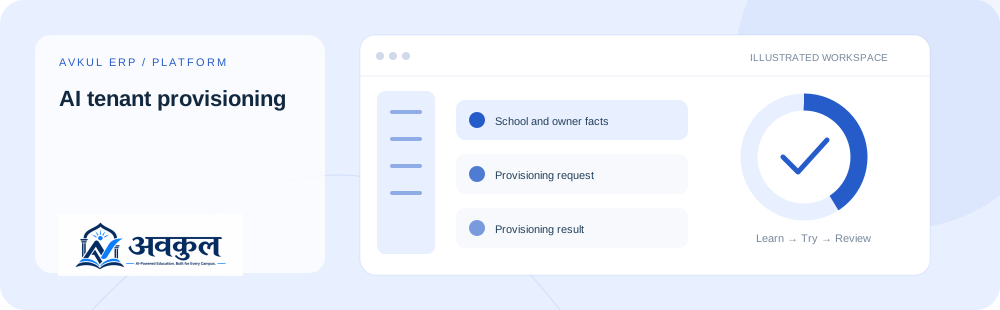
Enter the intended school and owner details
Platform administrator access.
02
Review the requested setup
Provisioning request is part of the documented workflow.
03
Provision only an approved tenant and review the result
Review the result in the connected record or workspace before moving on.
Request fields to understand
Source-declared fields used by related operations; each operation has its own validation and scope.
Field
Declared type
Input
schoolName
string
Required by declaration
institutionType
(typeof INSTITUTION_TYPES)[number]
Required by declaration
ownerName
string
Required by declaration
ownerEmail
string
Required by declaration
ownerPhone
string
Optional
domain
string
Optional
CURRENT BEHAVIOUR
Rules & current limits
Platform access is distinct from a school role. Online SaaS invoice collection and invitation delivery require configured providers.
Source inventory checked on 11 October 2026. Guide availability confirms documentation publication, not certification of every external service or device flow.
LEARN BY DOING
Try ai tenant provisioning
Open a guided sample workspace, try the available actions, then reset whenever you like. No login required.